Carousel view
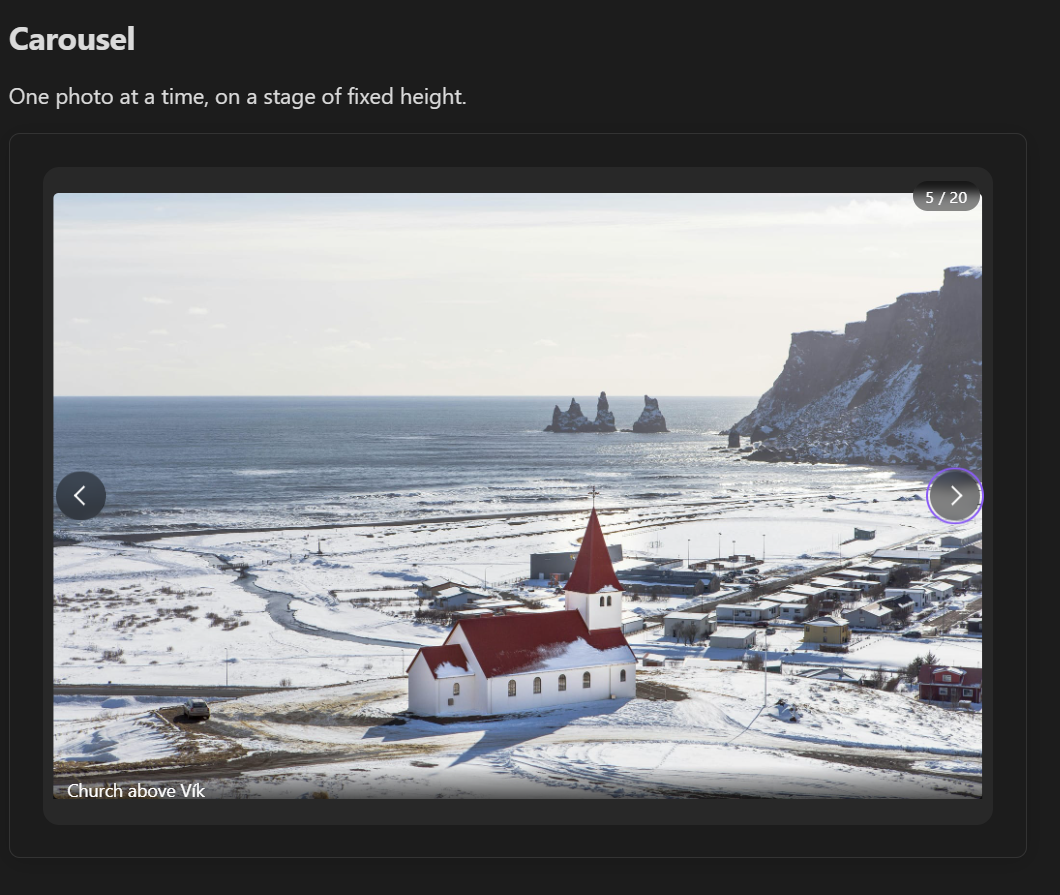
One image at a time on a stage of fixed height, for stepping through a curated set of photos.
```obs-gallery
sources:
  - type: local
    path: Images/Screenshots
view:
  type: carousel
```
Move between slides with the arrow buttons (they appear when you hover over the carousel, and stay visible on touch screens), the ← / → keys (with the carousel focused), or by swiping. A badge on the image shows the position, such as 3 / 12, and galleries of up to 12 images also get dots underneath that you can click. Click a slide to open it in the image viewer.
Height
The stage is 420 pixels tall (300 on narrow screens); every image is fitted inside it, so the carousel doesn't change height between slides. Set a different height for one gallery with height, in pixels (120–1500):
```obs-gallery
sources:
  - type: local
    path: Images/Screenshots
view:
  type: carousel
  height: 560
```
To change it for every carousel, set --gallery-carousel-height in a CSS snippet:
.gallery-carousel {
  --gallery-carousel-height: 520px;
}
The carousel always holds every image, so the pagination and itemsPerPage view options don't apply to it; if a carousel block sets them, a note under the gallery says they are ignored. captions: false moves the captions from under the slides to a hover overlay on the image.